


HiStakes, a self-contained SDF/CEF hybrid gauges and MFD system for BeamNG.
Build one gauge, a complete cluster, or a standalone vehicle display.
Key Features:
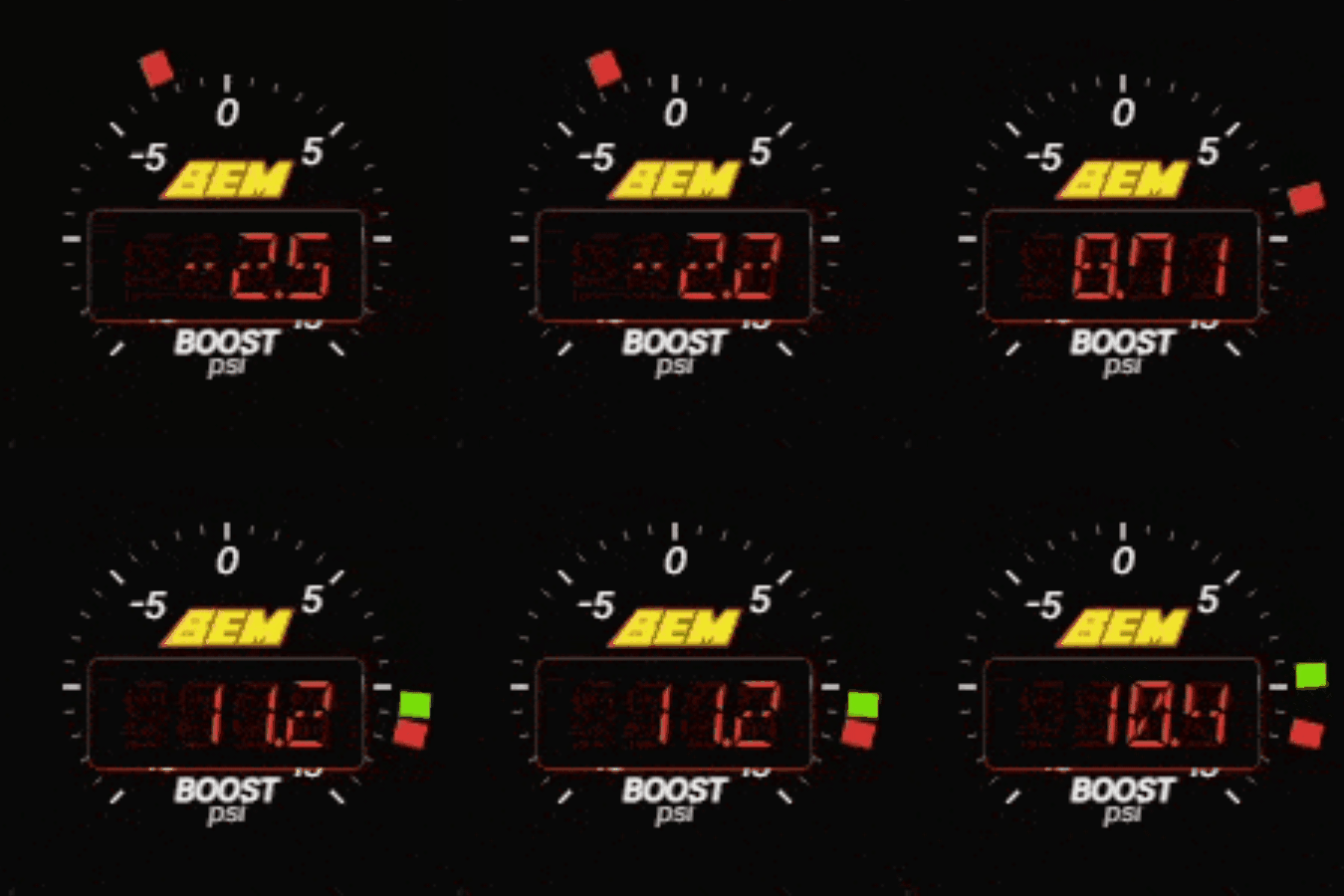
- Solo Gauges: One deeply configurable gauge. Add several instances to build a dashboard around the information you care about. Supports RPM, speed, boost, power, torque, temperatures, and more with configurable sweeps and start angles and presentation modes.

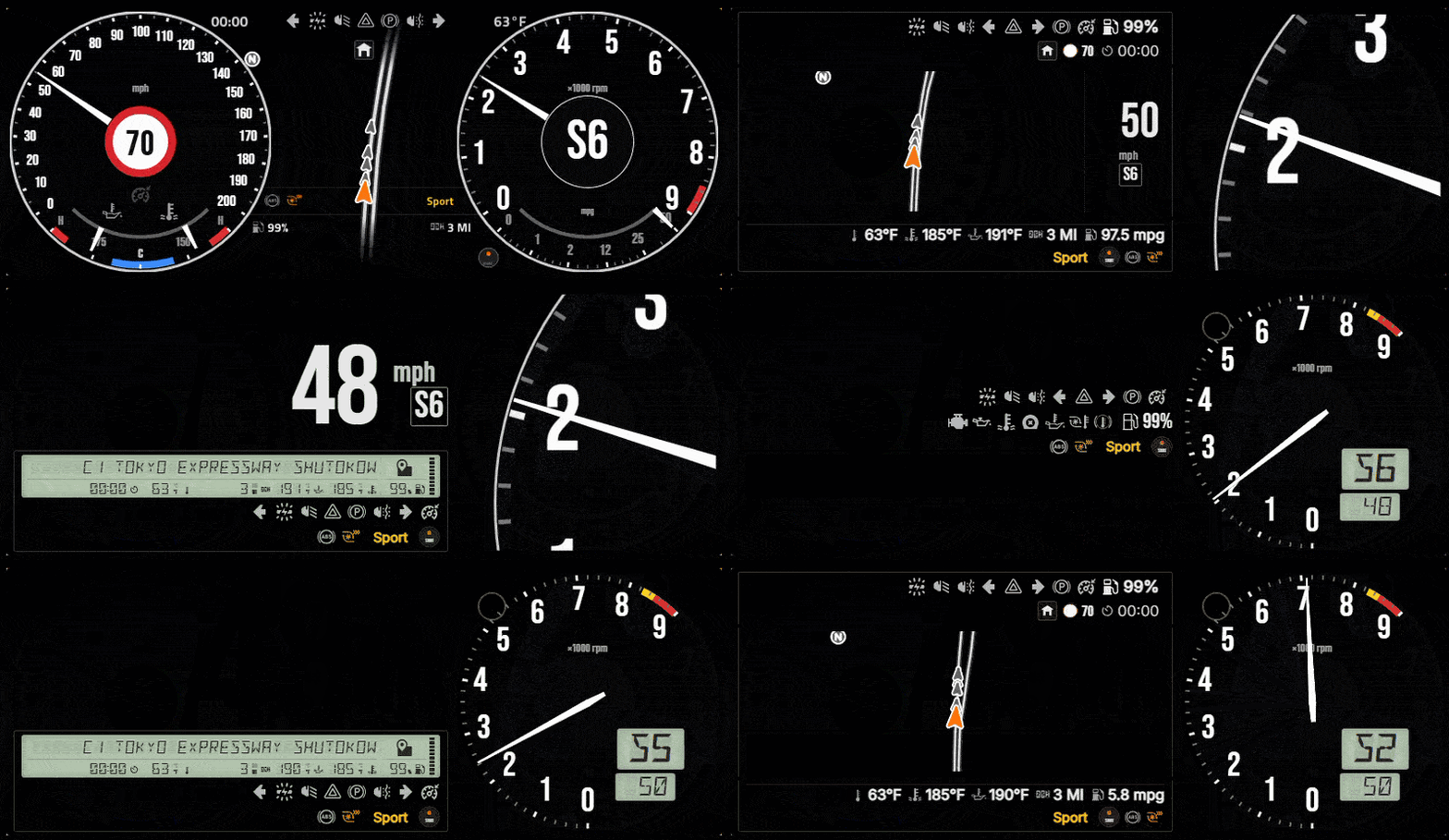
- Integrated Combo HUD: Combines gauges with drivetrain controls, speed limit display, police pursuit support, a warning strip, and a multi-function display (MFD) and many more!

- HiStakes MFD: The same multi-function display placeable as a standalone app without the surrounding cluster.
- Standalone MFD:

- Square Mini MFD(Optional Companion mode). Companion mode is automatically triggered when using LCD Strip MFD(in combo or standalone); in this mode, the MFD Chromes are hidden, as it is already shown in the MFD Strip
- MFD Apps included in Beta: Vehicle-health dashboard, bCDDL-1.1 compliant fork of vanilla Navigation app adapted for my MFD framework, a proximity radar that renders vehicles as OOBB rectangles(with reversing mode and hitch support), and a drag timer app (more to come). Including sound/chime support for warnings/shift hint/speed limit.

- Flight Mode: Provides a suite of high-fidelity glass-cockpit features which include Primary Flight Display, terrain-aware Navigation Display, and capability-adaptive engine monitoring. (including support for aviator331's Aircraft Autopilot mod
To access Flight Mode - In the MFD, press the Home button and you'll see the Flight app, you may need to also scroll down to see it (You will need either a Standalone MFD or a Combo layout with an MFD)
- Per-widget/Global Settings:
- Per-widget settings can be reached by hovering above the place widget and clicking on the Gear/Cog icon that pops up - this will open up the settings for the specific widget.

- Global Settings can be reached via the Pause menu, the tab on the top bar under 'Mods' category.
LLMs/AI Use disclosure: Generative Agentic Coding tools were used in debugging, optimization, and translation process of this project.
KNOWN ISSUES
• Unfinished level of work quality:
Many apps and widgets are still in their early phase and may contain placeholders; this also includes the settings interface (placement/flow/UX), which may appear clunky and hard to use. These do not represent final quality. Please bear with me as I develop it; your feedback will be valuable in helping improve and shape the mod!
• New-widget settings persistence:
The first configuration applied to a newly placed widget may be lost after opening and closing the pause menu. A replacement widget can also inherit settings from a previously deleted widget.
Workaround: After placing a widget, configure it, perform one pause-menu round trip, and verify or reapply its settings before making further layout changes.(I recommend making changes to one gauge at a time and toggling open the Radial meu/Pause menu in between to ensure the settings get written)
• Repeated flight callouts:
An aural flight warning can occasionally repeat immediately instead of respecting the expected repeat interval.
Workaround: Individual GPWS warning families can be disabled from the global settings card.
• Flight-mode settings access:
The Combo settings button is unavailable while Flight mode is active.
Workaround: Switch to another MFD page before opening widget settings.
• Vehicle switching in Flight:
Alert or capability state from the previous vehicle can briefly survive a vehicle switch.
Workaround: Leave the Flight page before switching vehicles, or leave and re-enter it afterward.
• Vehicle Health compatibility:
Brake-fade highlighting assumes conventional FL, FR, RL, and RR wheel names. Per-wheel highlighting may be absent on vehicles with nonstandard wheel naming or additional axles.
• Damage classification:
Some detached-wheel or radiator damage can be presented as an overheating warning because of limitations in the available game telemetry.
• UI loading artifacts;
Native-rendered gauges or MFD surfaces may appear briefly while BeamNG’s UI is loading. They can also remain visible momentarily after an F5 UI reload.
• Font coverage:
Navigation and Radar use BeamNG’s native ImGui font and do not currently follow the selected HiStakes UI font.
• Minor zoomed-gauge overlap:
At some sizes and zoom levels, the gauge face can overlap the frame by a small amount. This is cosmetic.
Please use the Discussion tab for bug reports/support/suggestions. Thank you!

Beta HiStakes 0.1.2
60+FPS Silky Smooth All-in-One HUD for ground/air vehicles.
Tags:
Recent Updates
- New layout, QoL additions (gear display, additional metrics, hiding options) Aug 28, 2026 at 3:46 PM
- Bug fixes Aug 24, 2026 at 2:57 PM


